
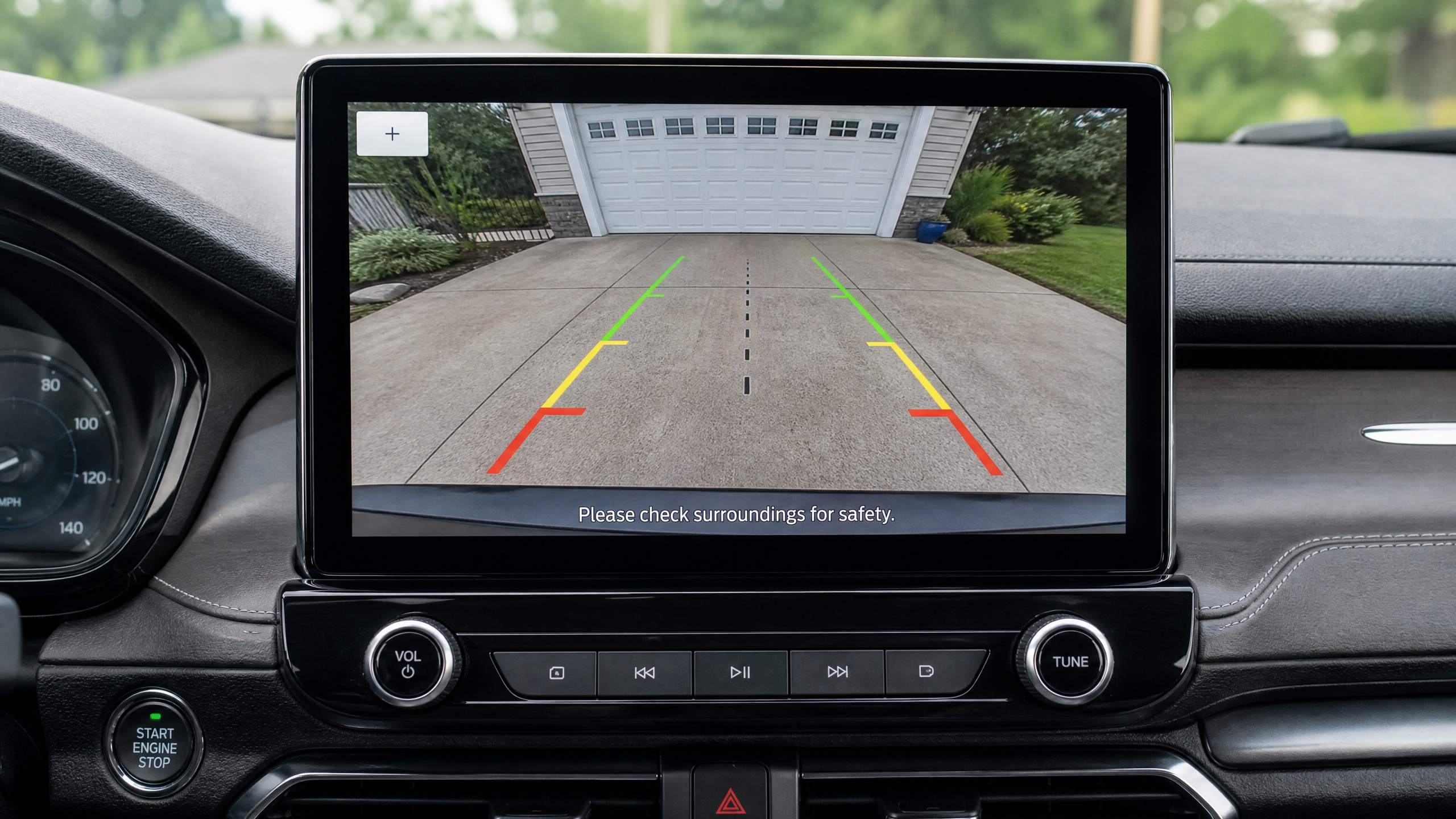
Why I finally caved and installed one
I put off adding a backup camera to my old F-150 for years. I figured a truck guy who’s been wrenching since he was sixteen didn’t need a screen to tell him what’s behind his own tailgate.
Then my neighbor’s kid rolled his bike behind my bumper while I was backing out of the driveway, and I caught him in the mirror with about four feet to spare. That was the last day I drove that truck without a camera.
I installed the system myself that weekend. Total cost was under sixty bucks in parts because I already had the tools, and the whole job took about two and a half hours including a coffee break and a trip back inside for a longer zip tie.
If you can hold a socket wrench and you’re not afraid of a little trim popping, you can do this too. I’ll walk you through exactly how I do it, mistakes and all.
Wired vs. wireless: picking the right system
Before you buy anything, you need to decide how the video signal is going to get from the camera at the back of your vehicle to the screen up front. There are really two camps.
Hardwired systems
A physical RCA video cable runs from the camera, along the frame or under interior trim, all the way to the dash. This is what I run on my own truck. It’s rock solid — no dropped signal, no lag, no interference from your neighbor’s garage door opener (yes, that’s a real thing with cheap wireless units).
The tradeoff is labor. You’re routing a cable the length of the vehicle, which means pulling trim panels, going through a grommet in the firewall or under the carpet, and being patient.
Wireless (RF or digital) systems
The camera has its own little transmitter, and a receiver near your screen picks up the signal. No long cable run. This is the move if you drive a lease vehicle, you’re not comfortable pulling interior panels, or you just want it done in forty minutes.
The catch: wireless units can lag half a second behind real time, and cheap ones will glitch out near cell towers, power lines, or a garage door remote. I’ve tested a handful for this site and the digital 2.4GHz units are far more reliable than the old analog RF ones, but even the good ones aren’t as bulletproof as a wire.
| Factor | Wired | Wireless |
|---|---|---|
| Install time | 2–4 hours | 30–60 minutes |
| Signal reliability | Excellent | Good to fair |
| Video lag | None | 0.1–0.5 sec typical |
| Skill needed | Moderate (trim removal) | Low |
| Best for | Vehicle you’ll own long-term | Leased or shared vehicles |
What’s in my toolbox for this job
Tools
- Trim removal tool (plastic pry set — a flathead screwdriver wrapped in a shop rag works in a pinch, but you will scratch something eventually)
- Drill with a step bit or a bit sized to your camera’s cable grommet
- Wire strippers and a crimping tool
- Butt connectors or solder and heat-shrink tubing
- Fish tape or a length of stiff wire coat hanger for routing cable
- Non-contact voltage tester or a cheap multimeter
- Zip ties — buy more than you think you need
- Electrical tape
- Painter’s tape (to mark camera position before you commit to a hole)
Parts
- Backup camera kit (camera + cable + monitor, or camera-only if you’re feeding an existing head unit)
- Add-a-circuit fuse tap sized to match your reverse light fuse
- Butt connectors sized for your wire gauge
Step-by-step install
This is the general order I follow. Your exact vehicle will change where the wire routes, but the sequence stays the same.
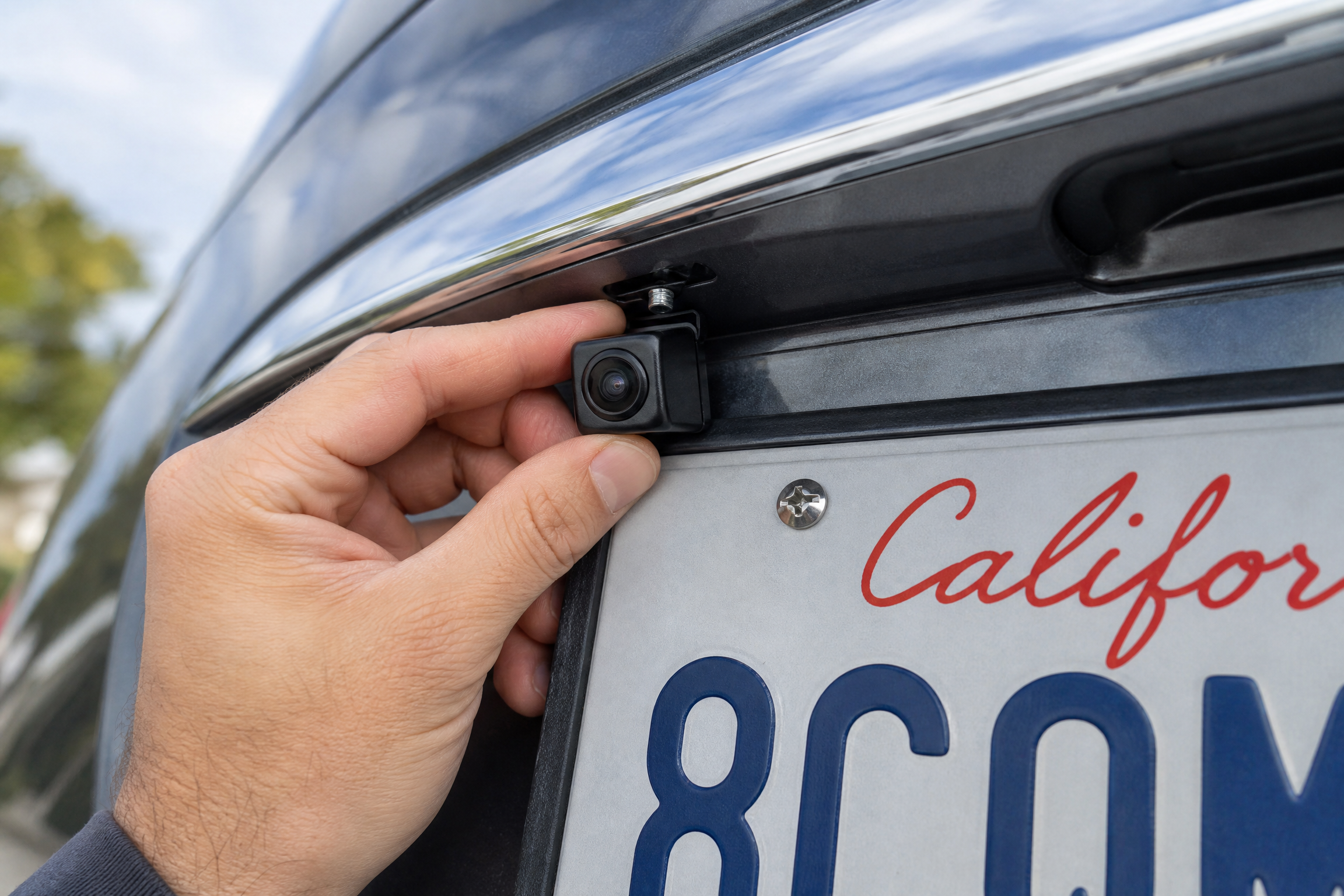
- Plan the camera location. Most cameras mount either above or below the license plate, or flush into the tailgate handle on trucks that support it. Hold the camera up, connect it temporarily to a screen, and check the angle before you drill anything.
- Disconnect the negative battery terminal. Use a 10mm socket on most vehicles. Tuck the cable away from the post so it can’t bounce back and touch.
- Mount the camera. Drill your mounting hole (or use the existing license plate bolt holes if your kit is a plate-frame style — no drilling needed). Feed the cable through and seal the hole with silicone once everything’s confirmed working.
- Route the video cable to the cab. On a truck, I usually run it along the frame rail, up through the bed-to-cab gap, and in through an existing grommet near the taillight harness. Use zip ties every foot or so to keep it away from moving parts, exhaust heat, and the driveshaft.
- Bring the cable into the cabin. Most vehicles have a rubber grommet where the main wiring harness passes through the firewall or body. Poke a small hole in the grommet with an awl, feed the cable through, and reseal with dielectric grease or silicone so water can’t track in.
- Tap into the reverse light circuit for power. More on this in the next section — this is what tells the camera to turn on when you shift into reverse.
- Run the video/power feed to your screen. If you’re using an aftermarket head unit, this usually plugs straight into the RCA-in on the back. If you bought a mirror-monitor kit, the power typically taps off a fused 12V accessory circuit or the fuse box.
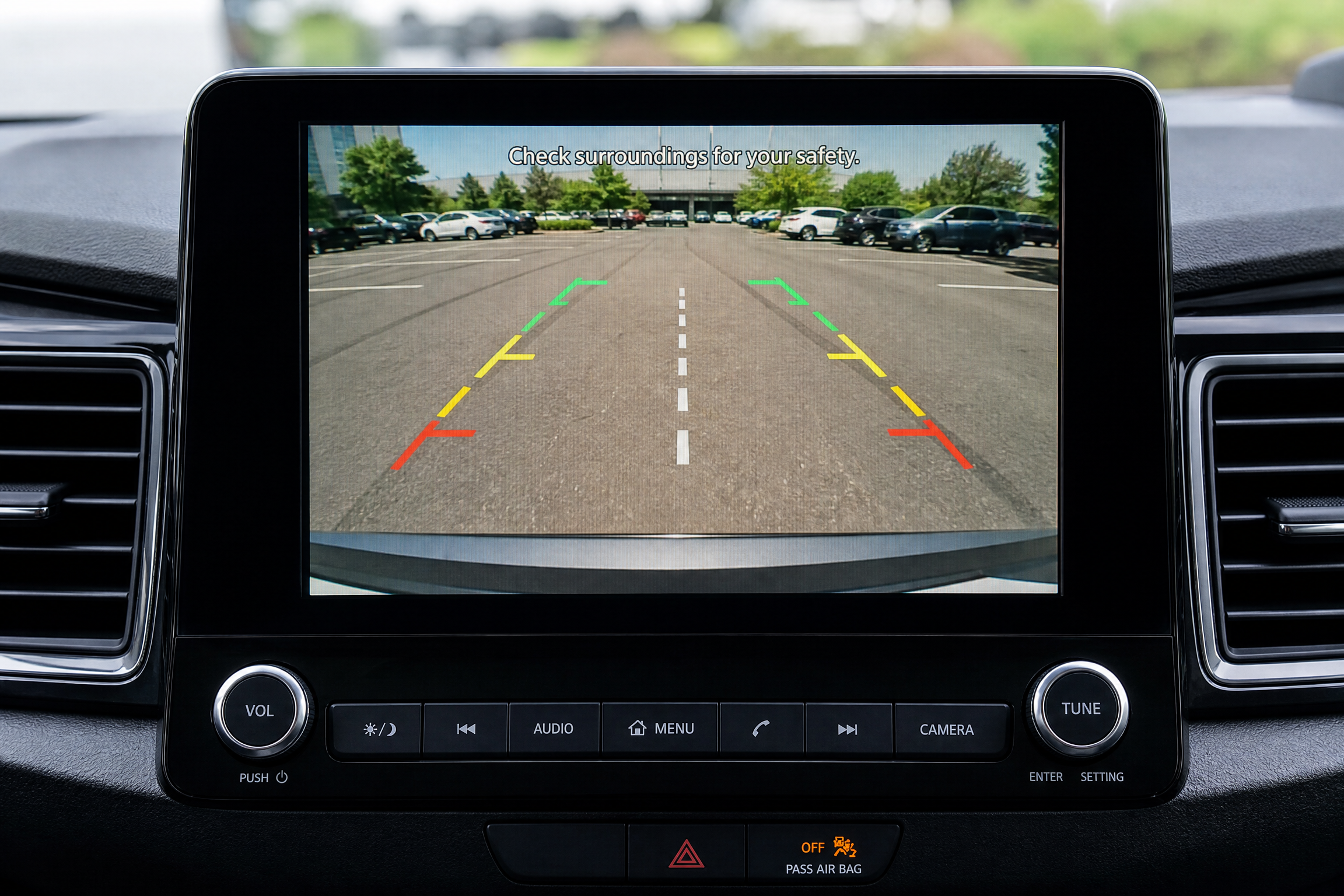
- Reconnect the battery and test in reverse. Shift into reverse with the engine running and confirm the screen switches on automatically and the image isn’t mirrored backward.
- Route and secure all excess cable. Tidy zip-tie work now saves you a rattling dash panel six months from now.
- Reinstall trim panels and double check nothing is pinched or rattling.
Wiring it into the reverse light circuit
This is the part that trips people up the most, so let’s slow down here.
Your backup camera needs a power source that only goes live when the transmission is in reverse. The easiest, most reliable spot for that is the reverse light circuit itself — the same wire that tells your reverse lamps to turn on.
- Find the reverse light wiring. Pop the trunk or tailgate trim and locate the harness feeding the reverse light bulb. Use your multimeter or a test light with the key on and the vehicle in reverse — the correct wire will show 12V only in reverse.
- Tap the power wire, not the ground. Use a butt connector or a proper wire tap (I avoid the cheap “vampire” scotch-lock clips — they corrode and lose contact over time, especially in a wet wheel well).
- Ground the camera’s black wire to a clean, unpainted metal point on the body, not the reverse light housing itself if it’s plastic-mounted.
- Solder and heat-shrink your splices if they’ll be exposed to weather. A crimped-only connection in the wheel well is asking for corrosion within a year.
Problems I’ve run into (and the fix)
Camera image is mirrored the wrong way
Nearly every backup camera and head unit has a “mirror” or “flip” setting in a small menu, usually accessed by holding a button on the camera cable or through the head unit settings. Check that before you assume the camera itself is defective.
Screen doesn’t turn on in reverse
Nine times out of ten this is a bad ground or a reverse-wire tap that’s actually landed on a different circuit. Go back with your multimeter and confirm you’ve got 12V present only when the key is on and the shifter is in reverse.
Picture is grainy or full of static lines
Usually a wireless interference issue, or on wired systems, running the video cable parallel and too close to a power cable for too long a stretch. Separate them where you can, or add a ferrite choke to the cable near the camera end.
Water got into the camera housing
Cheap camera seals fail. If you see fogging behind the lens after a rainstorm, the housing gasket has given out. Replace the unit — trying to reseal a fogged lens rarely holds for long, and a shorted camera can trip your reverse light fuse.
Quiz: which camera type fits your vehicle
60-Second Fit Check
Answer three quick questions and I’ll point you to the setup that actually makes sense for your situation.
1. How long do you plan to keep this vehicle?
2. How comfortable are you pulling interior trim panels?
3. Do you already have an aftermarket stereo with a camera input, or a dedicated mirror-monitor?
Quick buying reference
| Camera style | Best for | Watch out for |
|---|---|---|
| License plate frame | Cars and SUVs, no drilling needed | Lower mount height = less visibility of low objects |
| Flush-mount tailgate handle | Trucks with camera-ready tailgate handles | Requires exact handle match to your model year |
| Surface-mount drilled | Vans, fleet vehicles, custom placement | Permanent hole — seal it properly |
| Wireless add-on | Leased vehicles, quick installs | Signal lag and interference in dense areas |
Grab the parts I actually use
I keep an updated list of the camera kits, fuse taps, and trim tools I trust for this exact job.
Check Backup Camera Kits on Amazon →Final word from the garage
Adding a backup camera was the single best safety upgrade I ever did to my truck. It’s not just about not hitting bikes — it makes hitching up a trailer a one-man job and parking in tight downtown spots a lot less stressful. Take your time with the wiring, seal your holes, and you’ll wonder how you ever drove without one.




Leave a Reply