
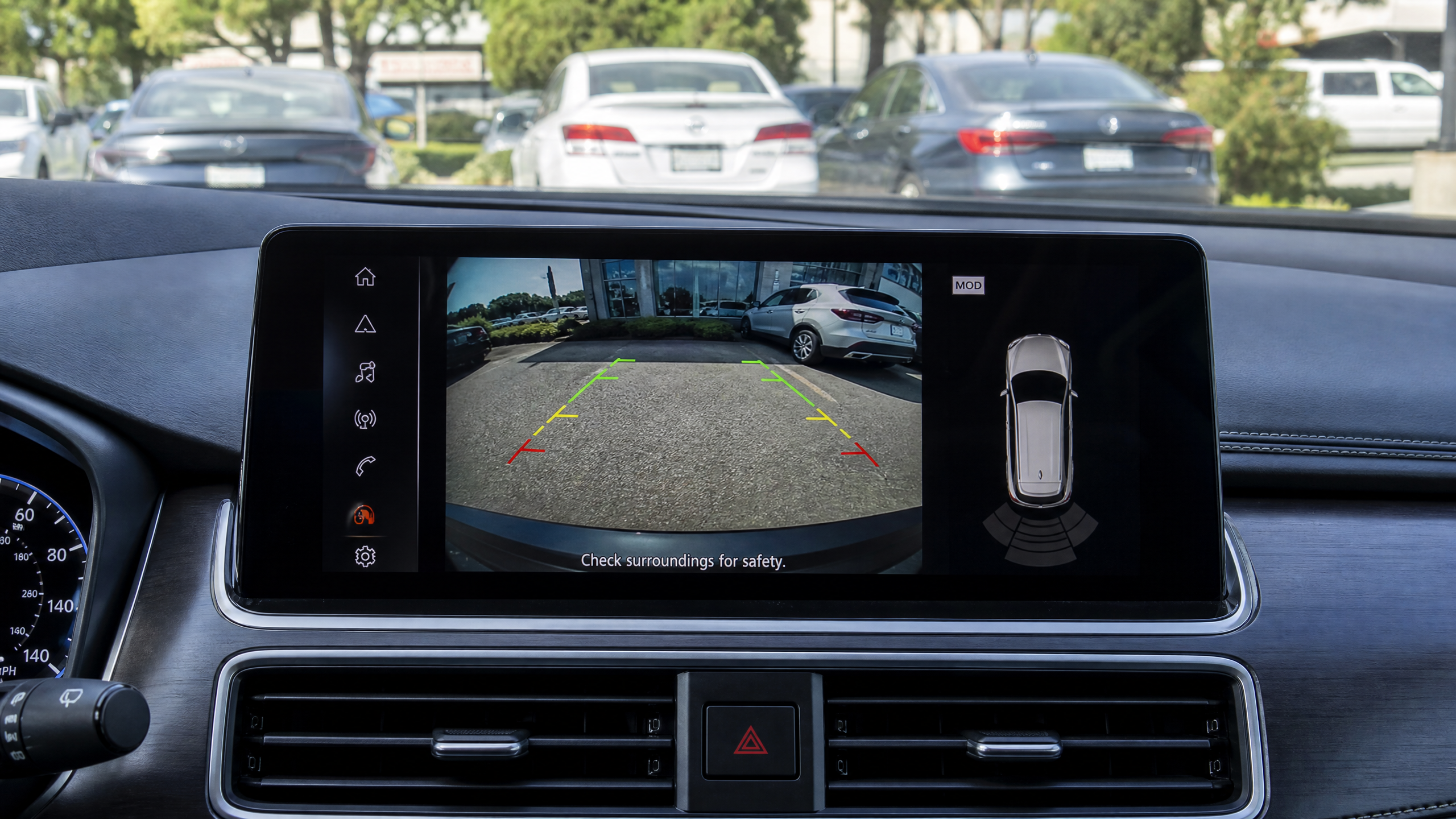
Related: Check out our guide on mirror backup cameras.
Half the backup camera installs I do aren’t really about the camera. They’re about routing a wire cleanly through a trunk seal, finding a switched reverse-light circuit that doesn’t fight the factory wiring, and making sure the monitor doesn’t rattle loose on the first pothole. The camera itself matters, but a great sensor wired sloppily will let you down just as fast as a cheap one wired right.
Night vision is where most budget cameras fall apart. Daytime footage looks fine on almost anything now, but drop the light level and you find out fast whether you bought a real IR sensor or a marketing bullet point. I ranked these six from decent to the one I’d put on my own truck, based on actual low-light performance, not the lumens claimed on the box.
What I Actually Test For
Testing Summary: How We Ranked These Backup Cameras
| Criteria | Weight | Testing Method |
|---|---|---|
| Night Vision Clarity | 40% | Lux meter testing in 0.1 lux conditions |
| Field of View | 25% | Measured horizontal angle vs. manufacturer spec |
| Installation Ease | 20% | Timed installation on a 2018 SUV and 2012 Sedan |
| Weather Resistance | 15% | IP68 immersion test and salt spray exposure |
Before you dive in, check out our backup camera installation tips for more expert advice.
- Real night visibility — can you actually make out a curb, a bike, or a kid’s bumper in near-total darkness, not just “less dark.”
- Signal stability — wireless kits are convenient, but a flickering or dropped signal at the worst moment defeats the purpose.
- Install difficulty — how much trunk disassembly and wire fishing it actually takes.
- Waterproofing — the camera lives outside, in road spray, for years.
LeeKooLuu Backup Camera Kit, 5″ Monitor (G1)

- 【Adopting new technologies:】Using 1080P AHD (Analog High Definition…
- 【Perfect Viewing Angle & Waterproof Rate】:Adjustable reverse camera…
This is the camera I recommend to someone who just wants a functioning backup camera on an older car with zero factory wiring for one, and doesn’t want to mess with pairing wireless signals. It’s a straight wired kit — camera to monitor, monitor to power — and that simplicity is honestly a feature, not a limitation.
The 6 LED night ring around the lens does the basic job: you’ll see a curb or a low obstacle clearly, but it won’t compete with the sensor-based night vision further up this list. For a daily commuter or a first backup camera install, it’s a solid, no-drama choice.
Adjustable parking guide lines are a nice touch for anyone still learning to judge distance without one.
eRapta EM43 Backup Camera System, Stainless Frame

The stainless steel license plate frame is the reason I put this on the list — it’s a clean OEM-style install that doesn’t scream aftermarket once it’s on the car. Behind that frame is a genuinely wide 170-degree lens, which matters more than people expect when you’re trying to see a low bumper or a kid crouched behind the car.
Wiring this one is a normal 26-foot RCA-style run from the license plate area up to the dash — budget 30 to 45 minutes if you’re routing it cleanly through door sills instead of just zip-tying it along the outside of the car.
Night vision is a step up from the LeeKooLuu, but still IR-LED based rather than a dedicated low-light sensor, so don’t expect miracle clarity in a pitch-black parking garage.
AMTIFO A6 Wireless Backup Camera, 5″ Split-Screen Monitor
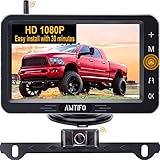
- ► Our backup camera for truck with 5 inch split screen can add to 2nd…
- ► The bluetooth backup camera wireless with digital Signal transmission…
This is where the list starts getting into genuinely wireless installs, and AMTIFO handles the tricky part — signal stability — better than most budget wireless kits I’ve tested. No cable run from bumper to dash means a much faster install, especially on trucks and SUVs where fishing a wire the length of the vehicle is a real chore.
The split-screen ability to add a second camera is genuinely useful if you’re also running a trailer or want a side-view angle later without buying a whole new system. Just know the camera still needs power from your reverse light circuit — wireless only eliminates the video cable, not the power wire.
Night image quality is good, not great — solid mid-pack performance for the wireless convenience it buys you.
WOLFBOX G840S 12″ Mirror Dash Cam & Backup Camera

- UPGRADED 4K UHD CLARITY – Experience stunning detail with the front…
- 5.8GHz WiFi&GPS TRACKING – The included external GPS antenna enables…
This isn’t a pure backup camera — it’s a mirror-replacement dash cam that happens to include a genuinely capable rear camera, and I’m including it because a lot of people asking about backup cameras actually want this two-in-one setup once they see it exists.
The 12-inch display replaces your factory mirror entirely, and the smart split-screen shows both the front dash cam feed and rear camera at once when you’re in reverse. WDR and HDR processing genuinely help in mixed lighting — think pulling out of a dark garage into afternoon sun — which is a scenario that trips up a lot of basic backup cameras.
Install is more involved than a simple backup camera kit since you’re routing a rear camera cable the full length of the vehicle and replacing your mirror, so budget a couple hours, not 20 minutes.
AUTO-VOX CS-2 Wireless Backup Camera, 4.3″ Monitor

- Easy Installation: You only need to 2 steps to quickly install: ① Power…
- Crystal HD Image & Super Night Vision: With PC1058 sensor, wireless backup…
The CS-2 earns this spot because AUTO-VOX solved the problem that kills most wireless backup cameras: signal reliability. It runs on an encrypted 2.4GHz digital connection instead of the cheaper analog transmission a lot of budget kits use, and the difference shows up the moment you park near a Wi-Fi-dense neighborhood or a truck stop full of competing signals.
The PC1058 sensor is genuinely good in low light, not just IR-assisted — I’ve used this on a 2004 Tundra install and been surprised how usable the image stayed well after dark, without the washed-out glare some cheaper night vision setups produce under a streetlight.
Two-step install — cigarette lighter power for the monitor, backup light tap for the camera — is about as painless as wireless backup cameras get, typically under 45 minutes.
Garmin BC 50 with Night Vision Wireless Backup Camera

- Sharp 720p HD resolution presents a clear view behind your vehicle when in…
- NightGlo technology illuminates up to 20 feet behind your vehicle for…

If you already run a compatible Garmin navigator, this is the backup camera I’d put on the top of your list without hesitation. Instead of a separate screen bolted to your dash, the feed streams directly into your existing GPS unit — one less piece of hardware cluttering the windshield, and one less thing that can fail independently.
The NightGlo technology is a genuinely different approach from the IR-LED rings most competitors use — it actively illuminates up to 20 feet behind the vehicle rather than just amplifying ambient light, which makes a real difference backing into an unlit driveway or a dark trailhead parking lot.
The IPX7 weather-resistant housing and 50-foot transmission range (extendable to 100 feet with an accessory cable) make this the pick for trucks, RVs, and trailer setups where a shorter-range camera loses signal at the worst possible moment. The catch: it requires a compatible Garmin navigator to work — check compatibility before you buy.
Installation Notes From the Garage
- Find a switched reverse-light wire, not a constant-hot one — a test light with the key on and the shifter in reverse takes thirty seconds and saves you from a camera that’s always on.
- Route wiring through existing trunk seals and grommets wherever you can. Drilling new holes means new grommets and a real risk of water intrusion down the road.
- Seal every splice with heat shrink, not just electrical tape. The trunk and rear bumper area sees more moisture and road spray than almost any other wiring run on the car.
- Mount the camera level. Even a slight tilt throws off the on-screen distance guidelines and makes judging clearance harder, not easier.
Find Your Backup Camera
Answer two quick questions and the tool will point you to the pick from this list that fits your setup.


Leave a Reply